
A vetted security guard at the tap of a button in the app
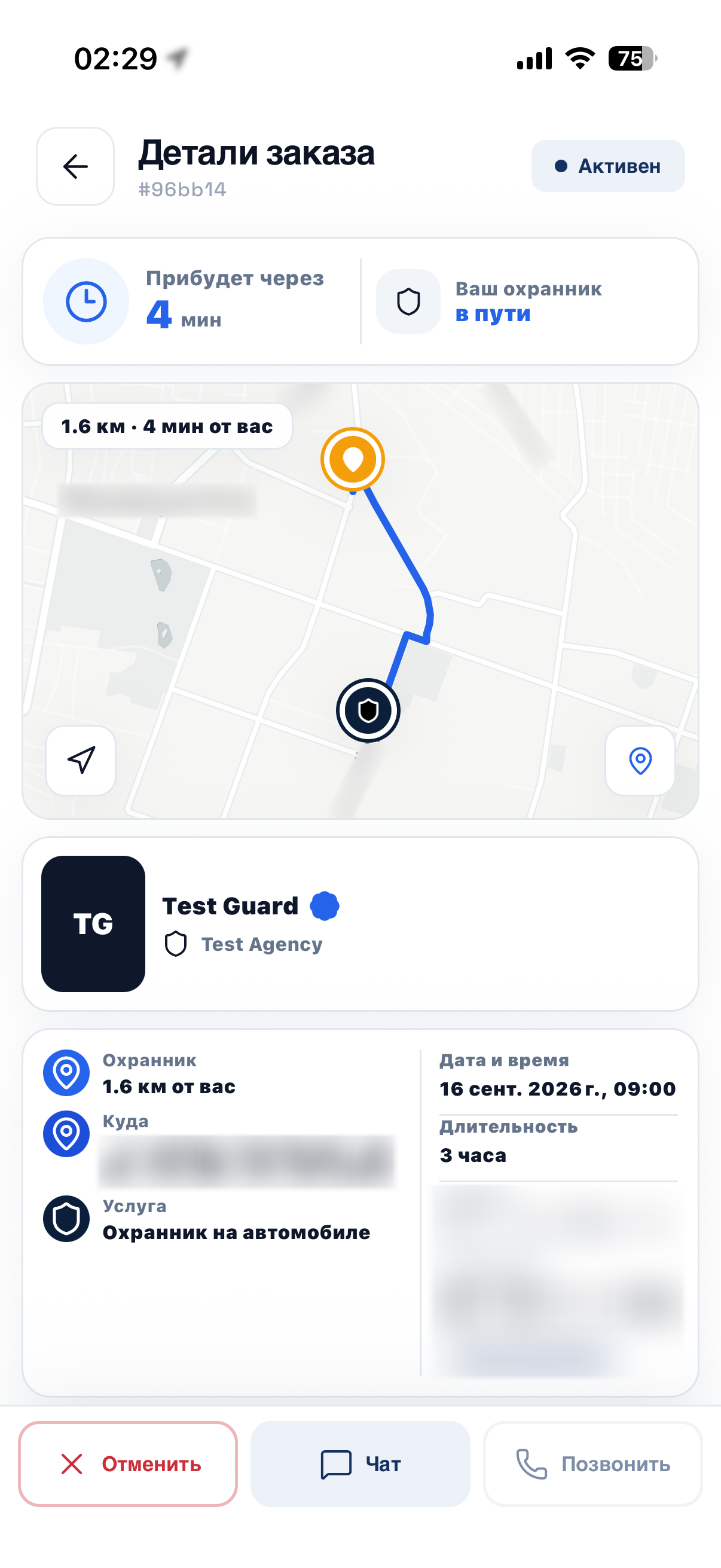
Enter an address and the service finds the nearest guard on duty. You see who is coming, where they are now and when they will arrive.
Currently piloting in Moscow
The problem
Too many steps between “I need security” and “a guard is on the way”
Calls and approvals
Getting security means calling a security agency and waiting until everything is agreed.
No idea who is coming
You can’t see who is coming, where they are now or when they will arrive.
No single button
When you are under threat, there is no single button to press to get help.
How it works
From request to a guard by your side in four steps
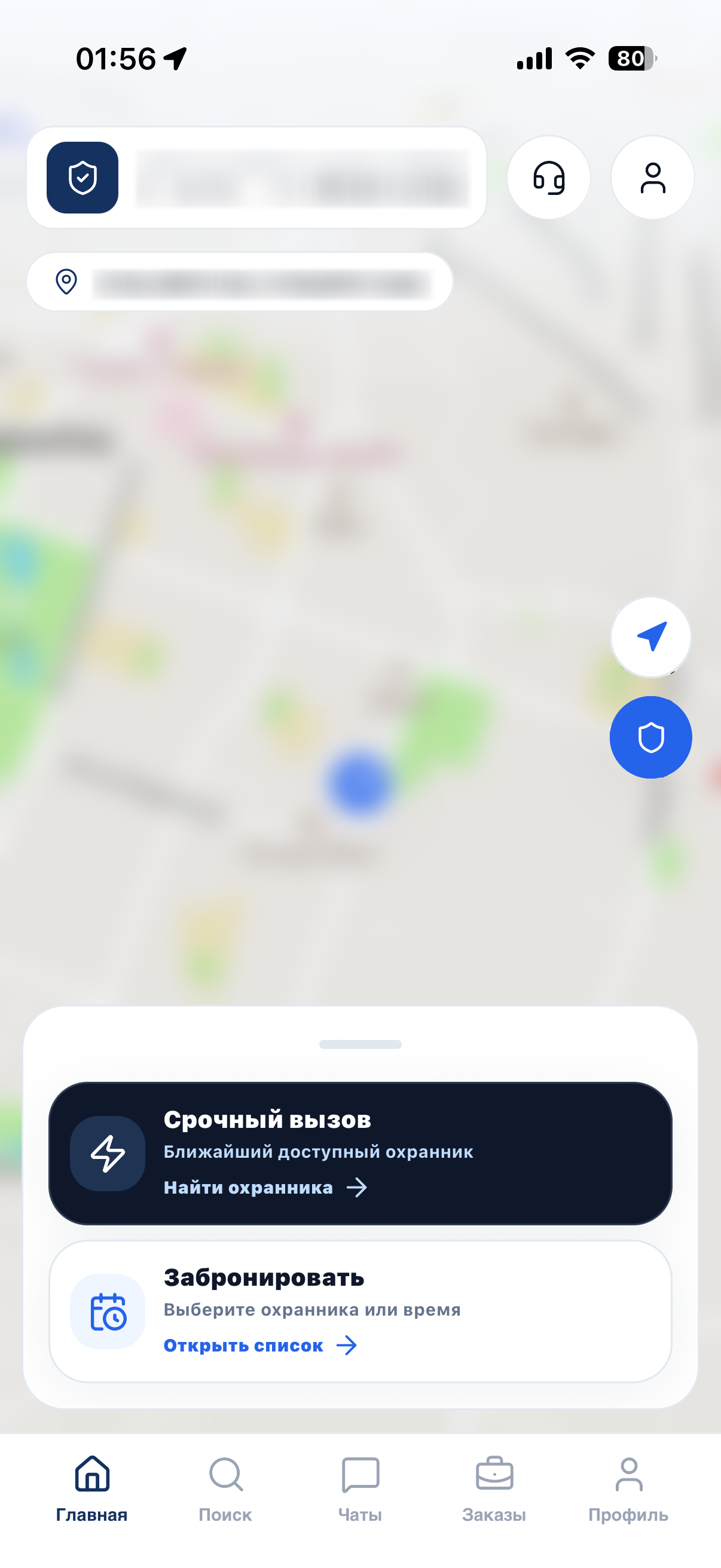
Request
Enter the address and duration, then send your request.
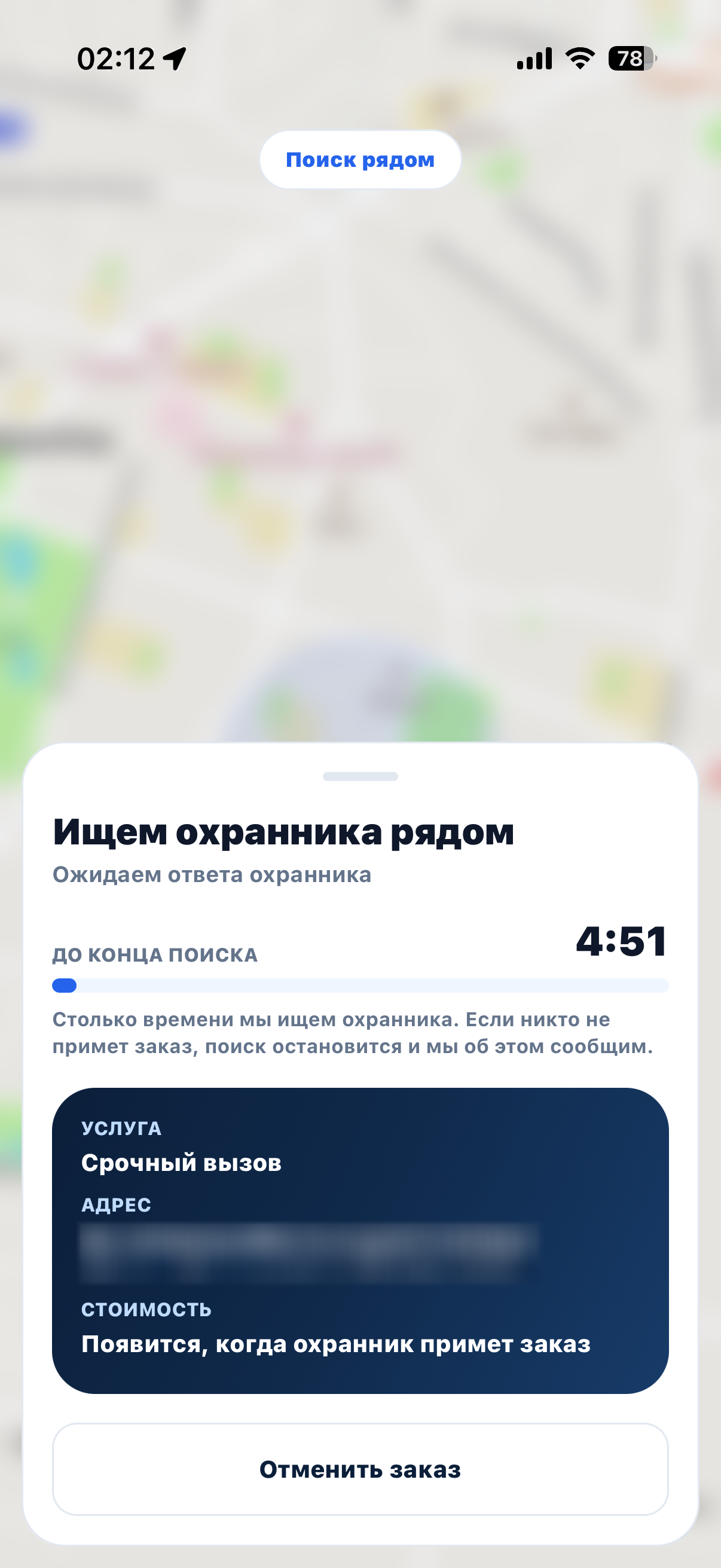
Matching
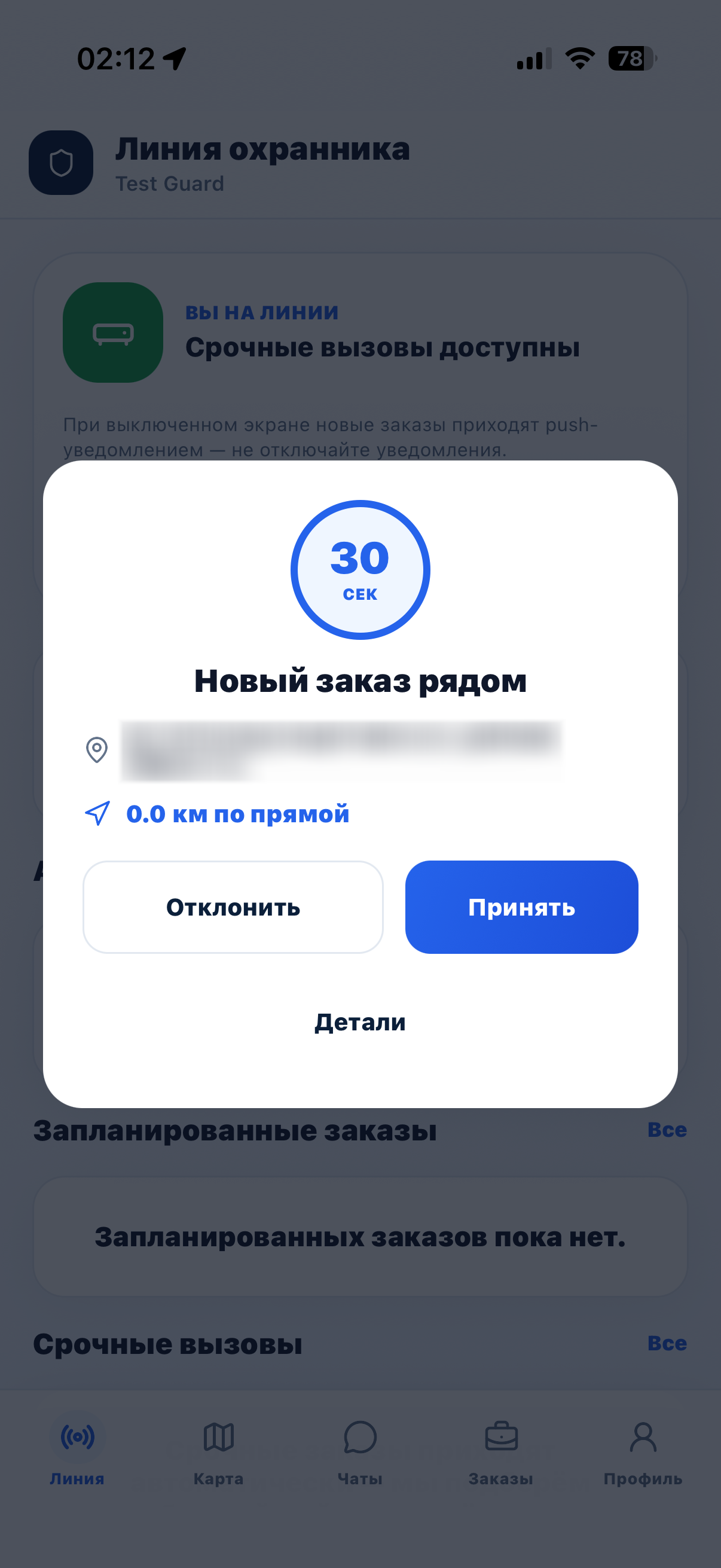
The service finds the nearest vetted guard on duty and offers them the order.
On the way
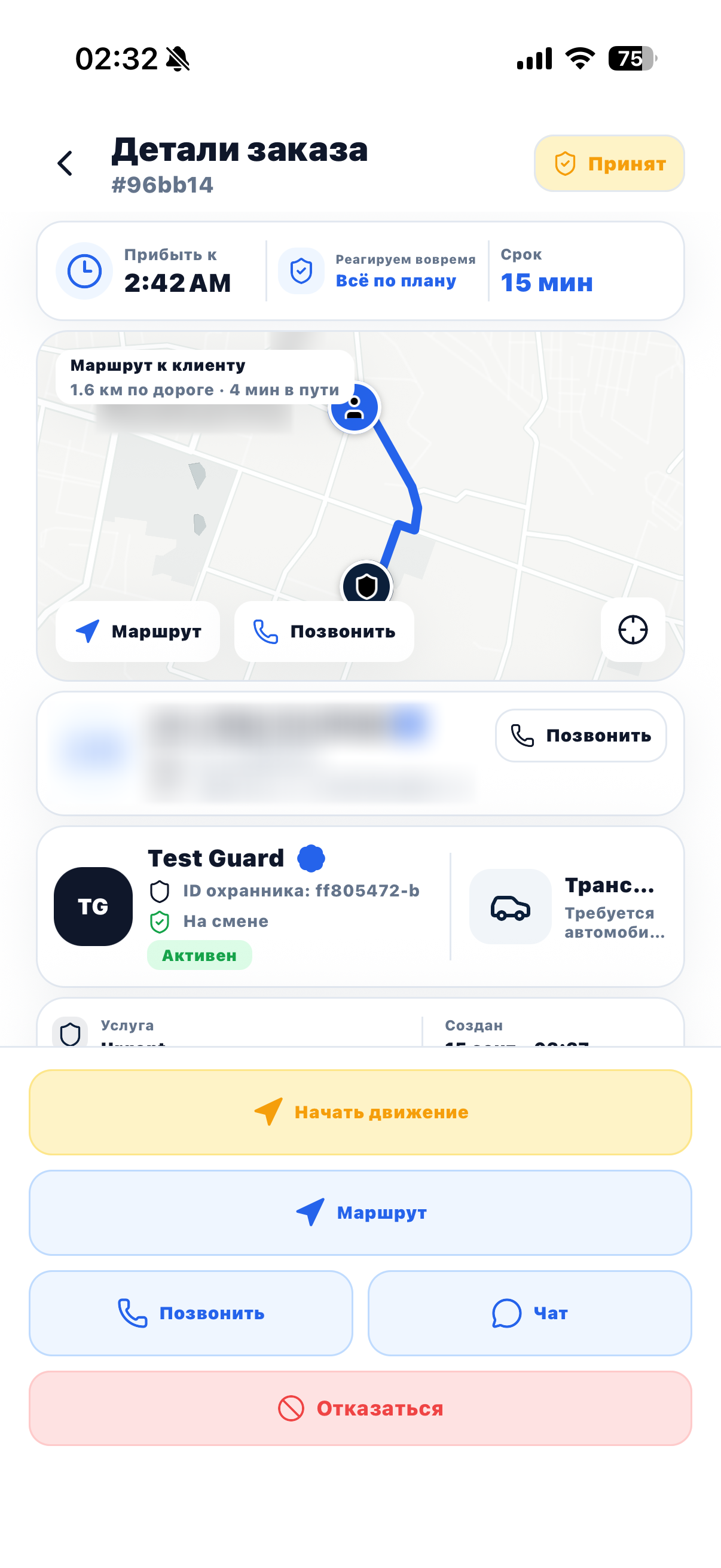
The guard is on the map: you see their route and arrival time.
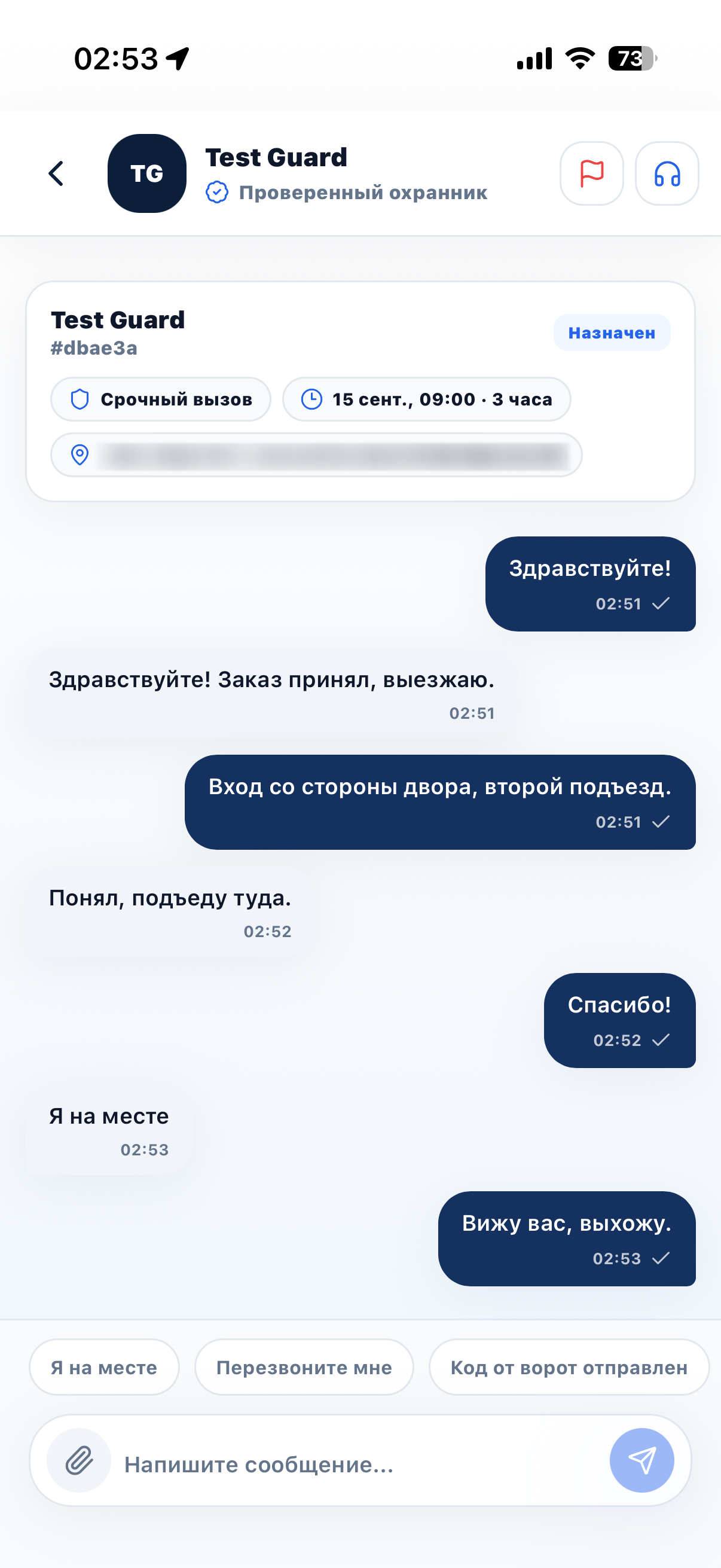
Stay in touch
Message the guard in the chat or call them right from the app.
Two ways to order
Right now or in advance, with the guard you choose
Urgent
The service finds the nearest guard on duty for you. Right when you need security now.
Choose a guard
Open the catalog, look through a guard’s profile and free hours, and book the time you need.
The price depends on the agency’s rate and the length of the order.
Safety
How safety works
Document checks
Only guards who have passed a document check can accept orders.
Live map
The order screen shows where the guard is right now and when they will arrive.
SOS in the app
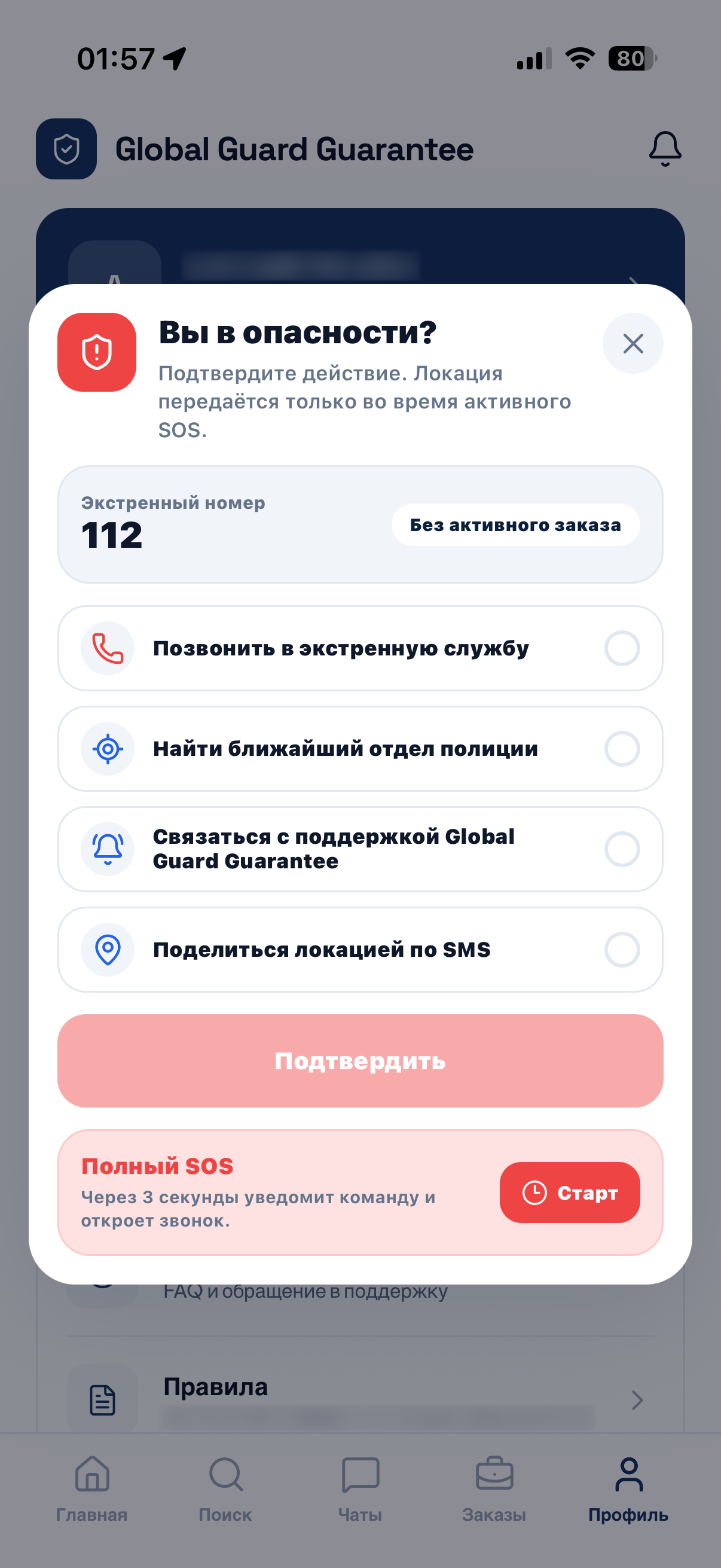
Panic button: a call to emergency services, an alert to the guard and the agency, and your location by SMS.
Ratings
After every order, the client and the guard rate each other.
For security agencies
Orders for your guards, without dispatcher calls
An agency connects its guards to the service, and orders go straight to their app.
- Guards join by invitation from their agency
- The agency manages its guards’ schedules
- Your guards’ orders are visible in the agency dashboard
- The guard app shows the order offer, the route to the client and the arrival time
Download
Install Global Guard
Currently piloting in Moscow
Android
The APK installation file, straight from the website.
Download APKiPhone
The app is distributed through TestFlight: leave a request and we will send you an invitation.
Request access
For investors
The product is already live
The client app, the guard app and the website with the agency dashboard and administration run on production servers and share one database.
- Client app for iPhone and Android
- Guard app for iPhone and Android
- Website: guard catalog, agency dashboard, administration
How we make money
- Agencies set the rates for their guards.
- Clients order security in the app.
- The platform takes a commission on every order. This is the main source of revenue.
- The commission rate is adjustable.
Stage and plans
Now
Pilot in Moscow
We work with one partner security agency. Android: APK from the website, iPhone: TestFlight.
Next
App Store and Google Play
Publishing the apps in the stores.
Then
Europe
Entering the European market.
Investor presentation
Market, metrics, team and terms are in the presentation.
The presentation is being prepared. Write to us:
support@sentinelapps.org